Compare two passages without crossing the boundary
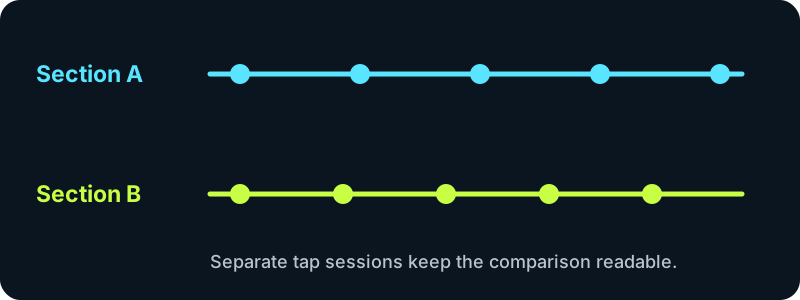
Start Section A on a repeating pulse. Stop when that passage ends, switch to Section B, and begin a fresh tap session. The cards retain both readings while the input moves to the selected section. This lets you inspect a verse and chorus, two rehearsal takes, or opposite sides of a transition without copying numbers elsewhere.
What the difference actually says
Each card converts the median gap between its taps with BPM = 60,000 divided by the gap in milliseconds. The comparison subtracts Section A from Section B: a positive value means the second tapped pulse is faster; a negative value means it is slower. The result describes your taps, not an automatic analysis of the audio.
Keep the beat level consistent
A verse counted on the backbeat and a chorus counted on every kick can look like a tempo jump even when the song has not changed speed. Tap the same pulse level in both sections. If a reading appears related by half or double, use the paired pulse comparison before labeling the change. If one session contains a stray hit, examine its gaps in the tap consistency test.
Questions
Does a higher chorus reading prove the recording sped up?
No. A different tapped subdivision, a missed beat, or uneven hand timing can change the reading. Retap matching repeated layers before interpreting the difference.
Why keep two sessions instead of one long average?
A single average hides which passage supplied which gaps. Separate sessions preserve the comparison and prevent the first passage from weighing down the second.
Can I compare separate songs?
Yes. Treat each card as one song or excerpt and clear only the card you want to replace. The labels remain generic so you can use them for takes, sections, or songs.
Only tap timestamps are processed in this browser tab. No audio, microphone recording, account, or upload is involved.