Your latest tap spacing
- — ms
- — ms
- — ms
- — ms
- — ms
- — ms
How to tap a tempo by ear
- Listen for the recurring pulse beneath the melody rather than trying to follow every note.
- Tap once on each pulse with the same finger or the Space bar, keeping your movement relaxed and even.
- Use the average reading after your taps feel settled. Reset and repeat a difficult section if the current value keeps moving.
Tempo and beat spacing reference
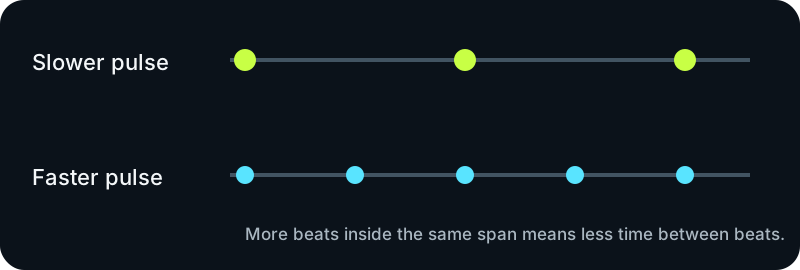
The same pulse can be described as beats per minute or as the time between beats. The values below come directly from the conversion shown under the table.
| Tempo | Time between beats |
|---|---|
| 60 BPM | 1000 ms |
| 80 BPM | 750 ms |
| 100 BPM | 600 ms |
| 120 BPM | 500 ms |
| 150 BPM | 400 ms |
Milliseconds per beat = 60,000 ÷ BPM
Tempo tapper questions
These answers cover choosing a pulse, correcting an unstable reading, and understanding what the browser measures while you tap.
Should I tap the kick drum or the snare?
Tap the steady pulse that best represents how you count the song. A consistent pulse matters more than a particular instrument.
Why does my reading jump between two tempos?
You may be switching between the main pulse and a pulse that is twice or half as frequent. Reset, choose one pulse level, and keep it for the full reading.
Does the tool listen to my song?
No. You listen to the music and provide the taps; the page only measures the time between those taps.
The tempo tapper runs locally in your browser. No audio or tapping data is uploaded.